Sale!

BLEASS Peaks

Original price was: 49.00$.Current price is: 39.00$.

SKU: blsspeaks Category:

Description

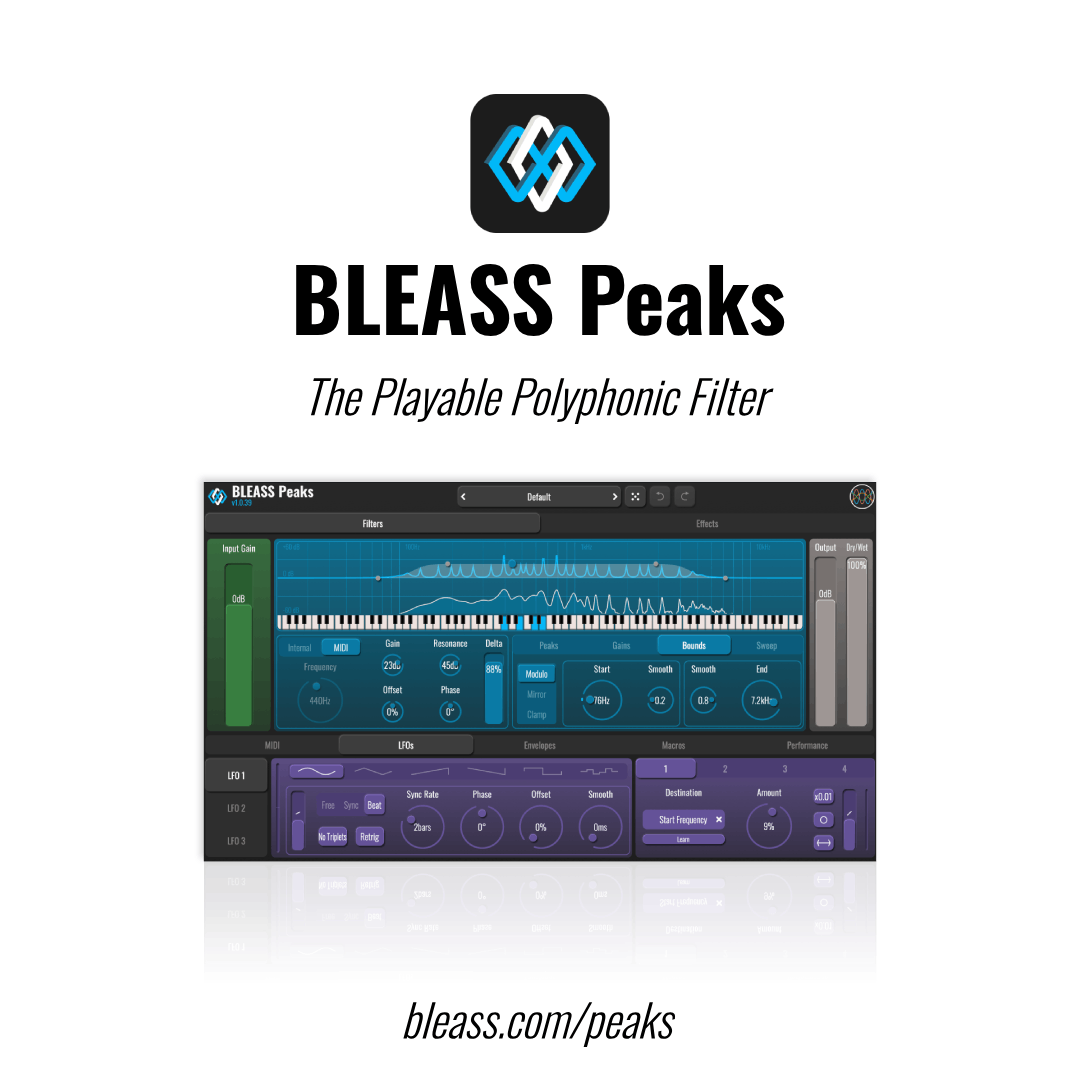
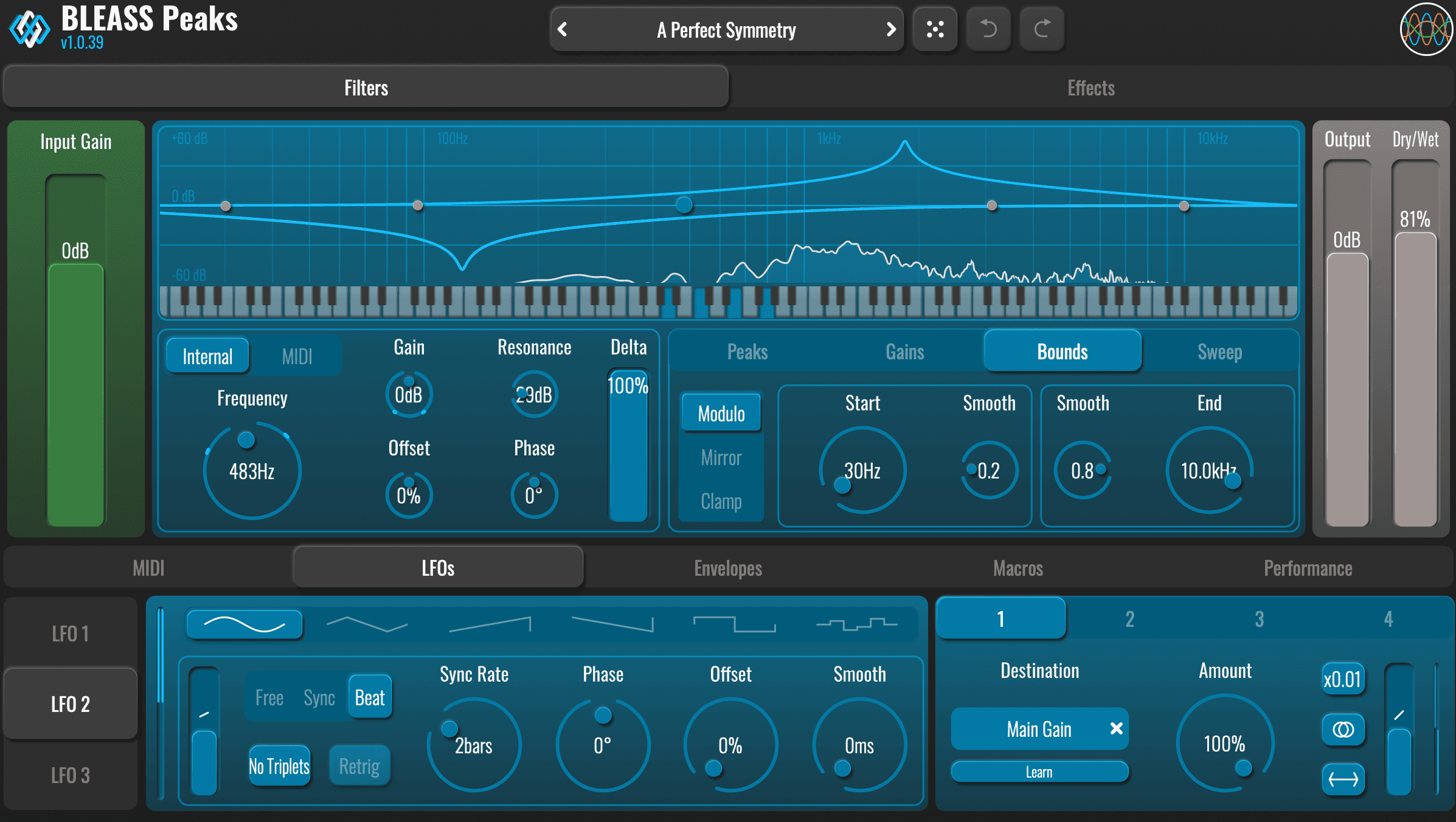
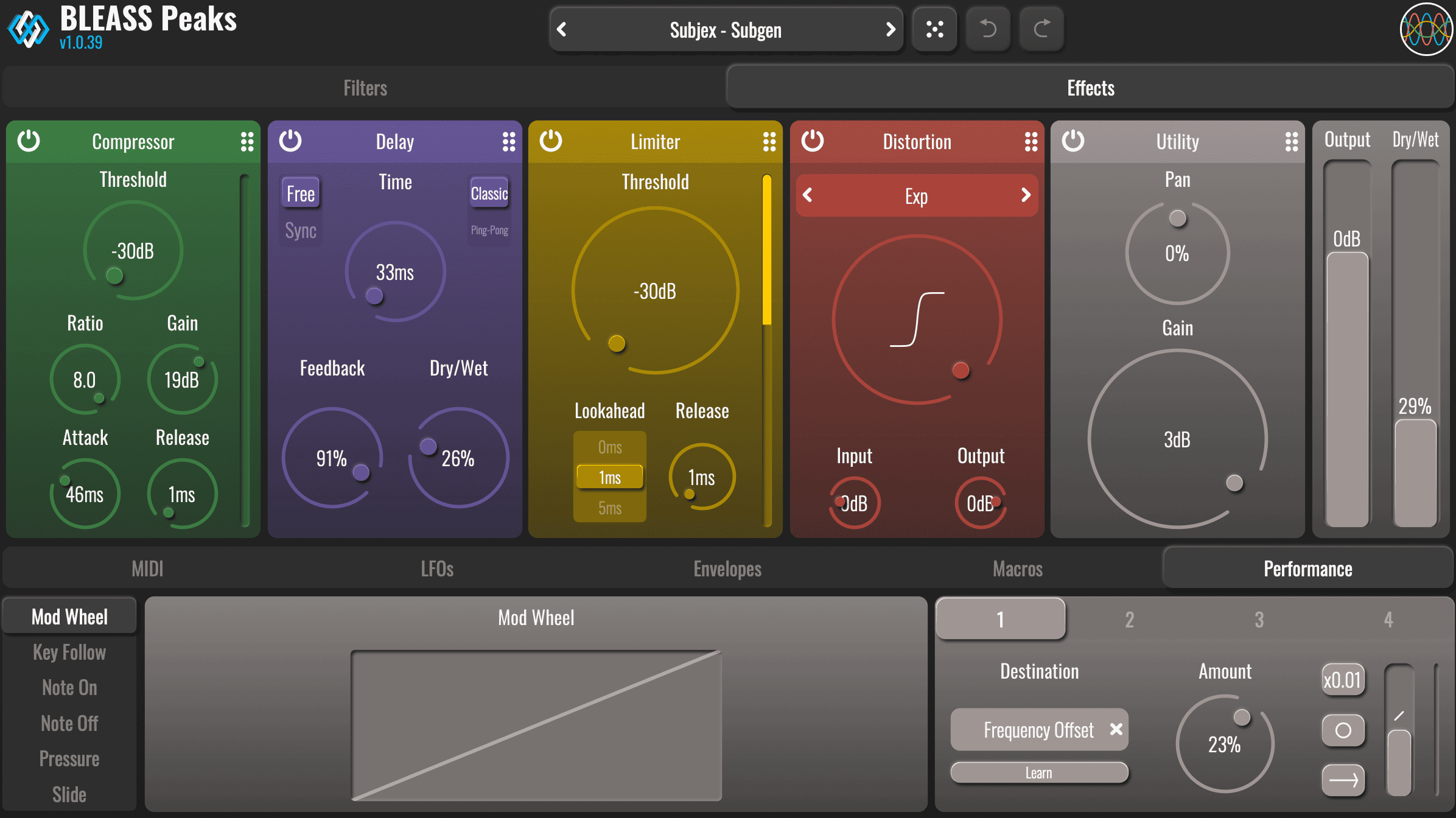
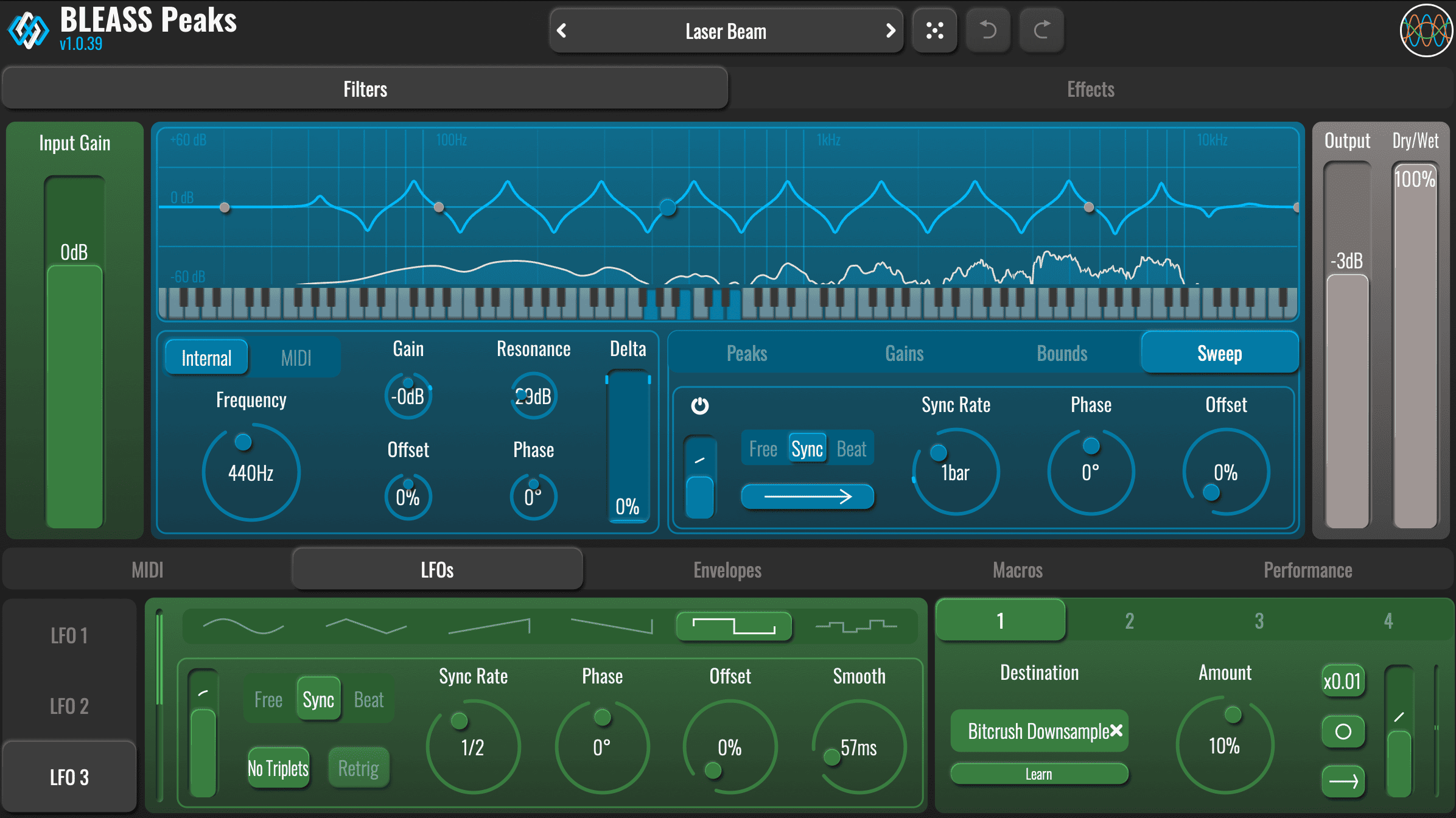
BLEASS Peaks unites classic audio filtering with the spontaneous spirit of performance to deliver an entirely new class of creative filtering effects.

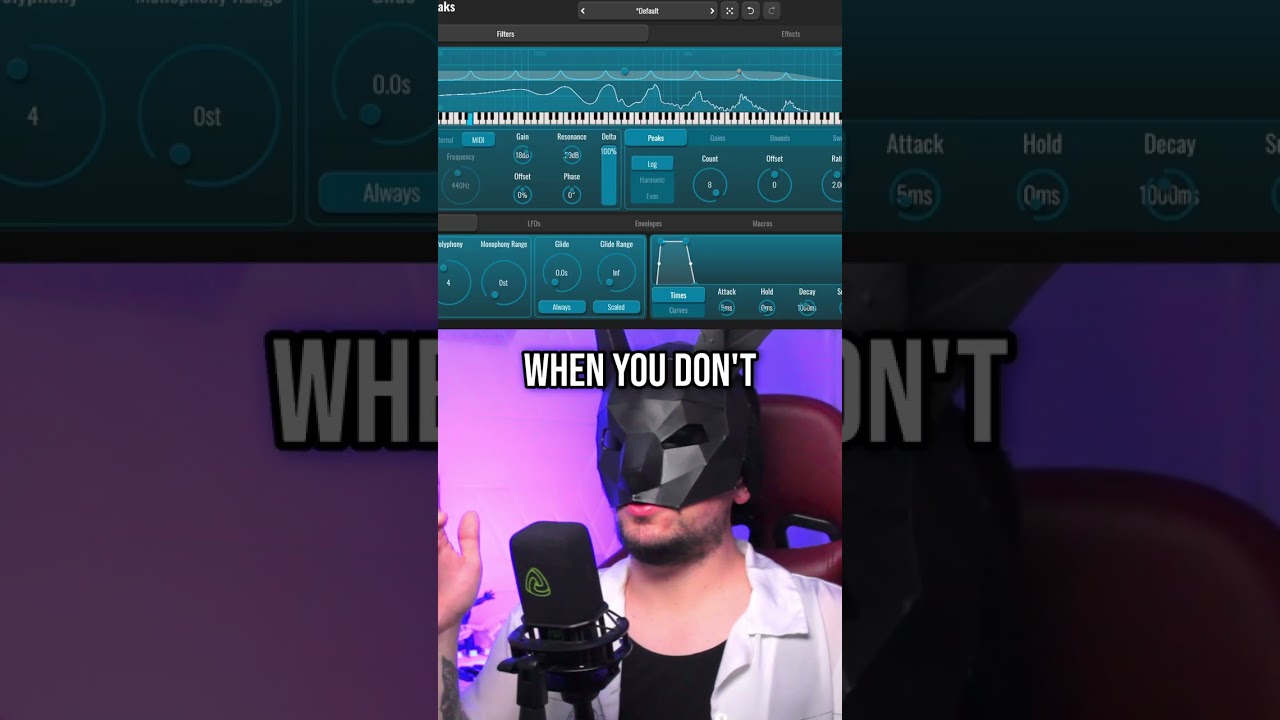
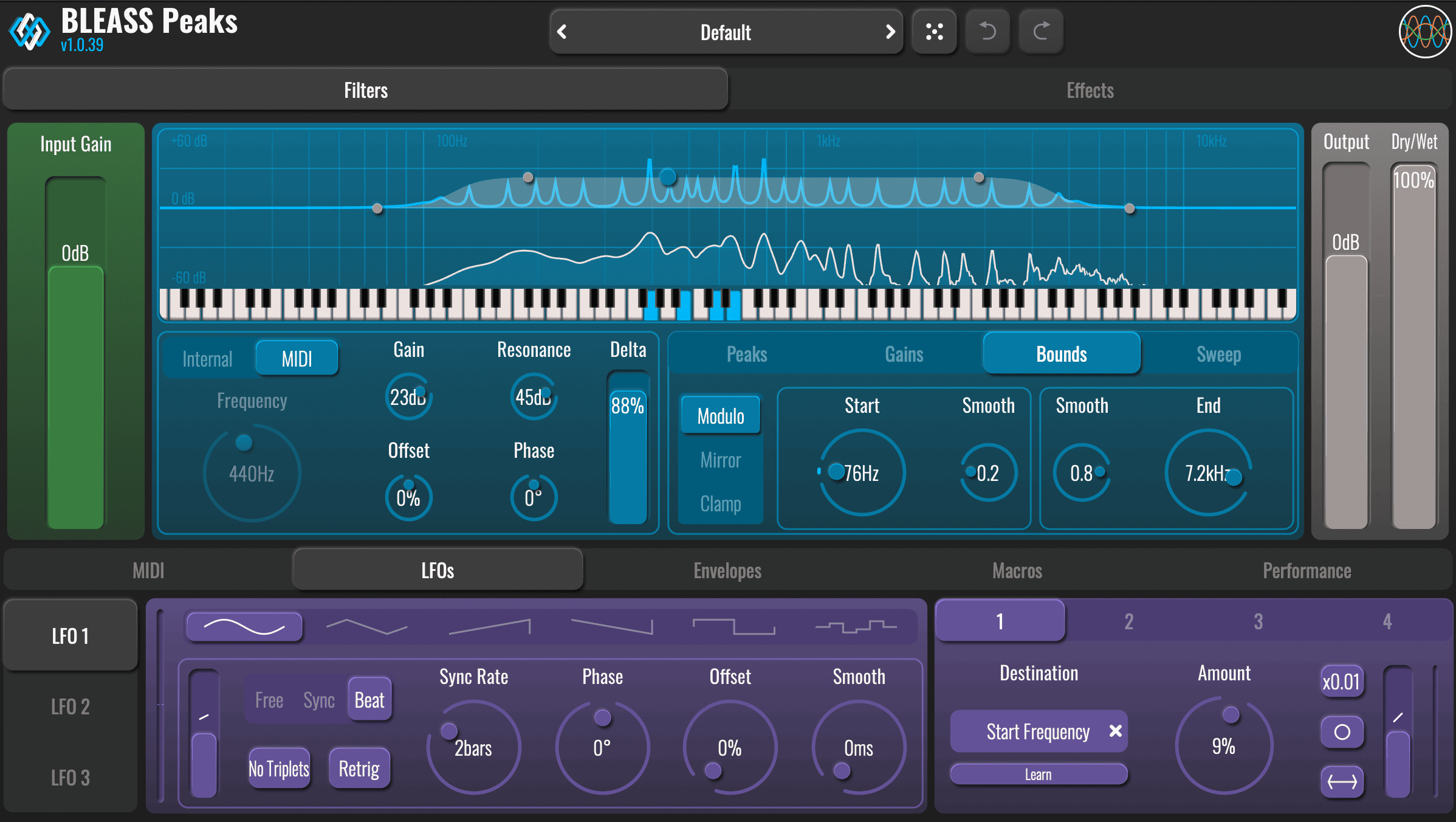
The plugin is built around BLEASS’ advanced multi-peak polyphonic filter design. When set to Internal control mode, this creates a single bell-filter curve containing up to 32 resonant peaks/notches. Details of the filter curve, such as the quantity, root frequency, and spread of the peaks/notches, are set parametrically, making it easy to shape the filter’s response and bring it to life via the plugin’s synth-style modulation sources.

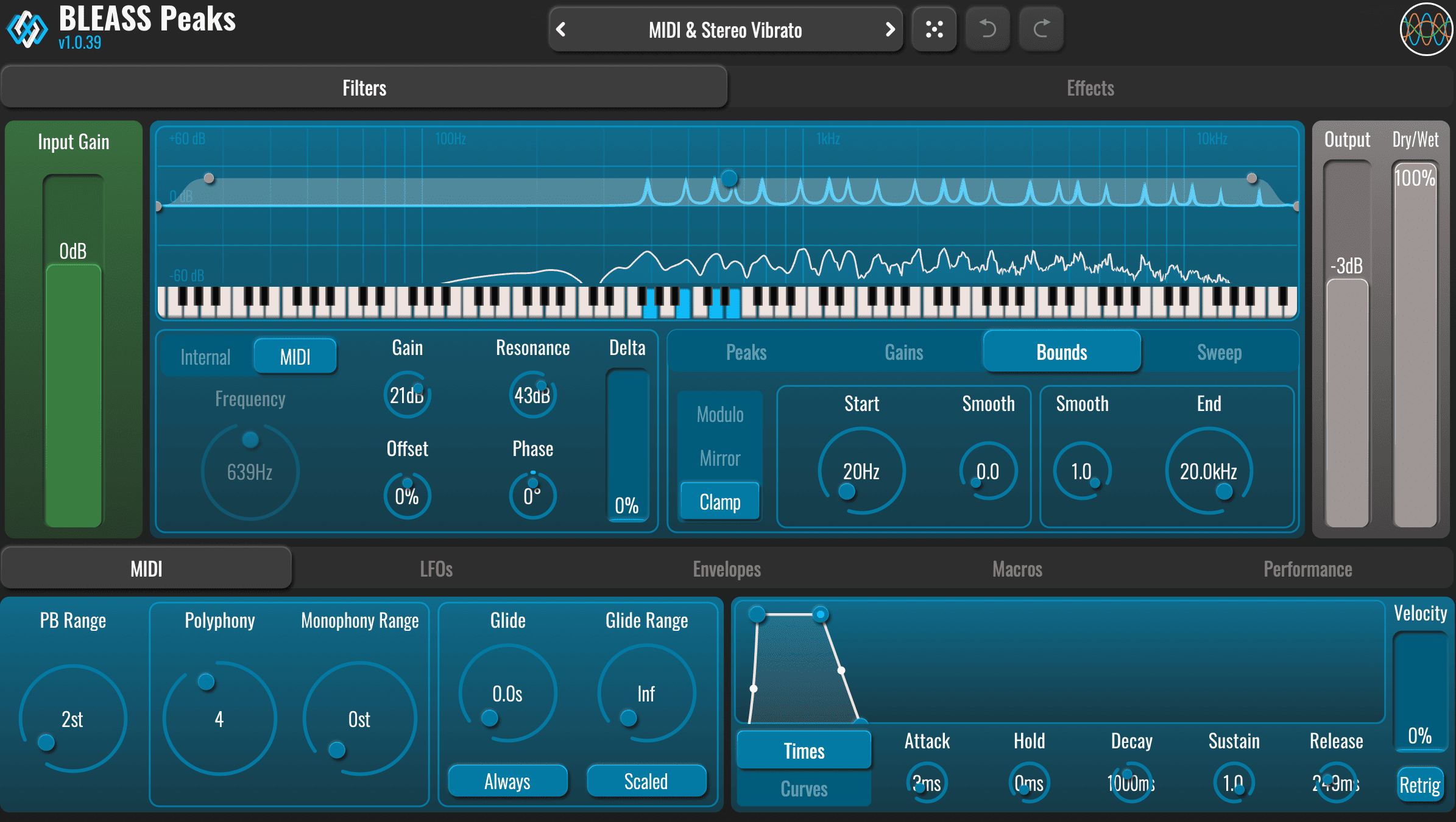
BLEASS Peaks truly comes into its own when operating in MIDI mode. In this configuration, the filter’s root frequency is controlled via MIDI coming from live-played notes or a recorded track. Better still, BLEASS Peaks can generate up to eight such filters simultaneously, making this a true polyphonic filter.

Available for Desktop: (VST3 / CLAP / AU / AAX / M1 Compatible) and iOS (AUv3)

More information on https://www.bleass.com/peaks

System Requirements

Windows:

  • Windows 10 and later
  • VST3 (64-bit)
  • CLAP
  • AAX

Mac:

  • macOS 10.9 and later (64-bit only) (including macOS 11 Big Sur and M1/M2 processors)
  • VST3 (64-bit)
  • CLAP
  • Audio Unit
  • AAX

Format:

  • BLEASS Peaks is not a standalone product, it requires a host software
  • BLEASS Peaks is compatible with all VST3 / CLAP / Audio Unit / AAX compatible DAWs and supports M1/M2 Chips.

Installation

  1. Check your email folder after purchasing your BLEASS product: you have received the links to download the latest Mac & Windows installers, as well as your serial number. If not, please check your spam folder! Alternatively, you can also create your account on account.bleass.com
  2. After installing your plugin, open your plugin within your DAW (it is located in the VST3 or Audio Units folder) and click on the top left “UNREGISTERED” icon
  3. Copy/paste your serial and type in the email address you have used to activate your license (please make sure to have an active internet connection) then click “OK”.
  4. You’re all set! your BLEASS plugin has been installed and is ready to use! Enjoy making music with the BLEASS products and thank you for your purchase.

available for iOS

The app was not found in the store. 🙁

Download

Click here to download the latest update available

Try the Demo

Download Here

You may also like…